

You’re publishing valuable content.
You’ve spent hours refining your writing, optimizing your keywords, and maybe even promoting on social media.
But… your blog still isn’t growing the way it should.
That’s where I was.
Despite everything I thought I was doing right, my blog stayed stuck—month after month—with no major growth. And the reason? A pile of hidden technical mistakes I never thought to check.
The truth is: great content alone isn’t enough anymore.
Behind every successful blog is a solid technical foundation—one that ensures your site is fast, accessible, crawlable, and error-free. When these systems are broken, even the best-written posts can sink into oblivion.
And most bloggers don’t even know it’s happening.
In this post, I’ll share 25 technical blogging mistakes that silently kill growth—often without obvious warning signs.

You’ll learn:
These aren’t advanced developer hacks or tools only experts can use. They’re real, fixable problems that I—and thousands of bloggers—have struggled with and overcome.
🧭 If you’re just starting out, or you’ve hit a frustrating plateau—this is your roadmap.
With that in mind, I have a question:
Are you ready to uncover what’s silently killing your blog’s potential? If yes, read on—and let’s fix it together.
Foundation-Level Mistakes (1–5)
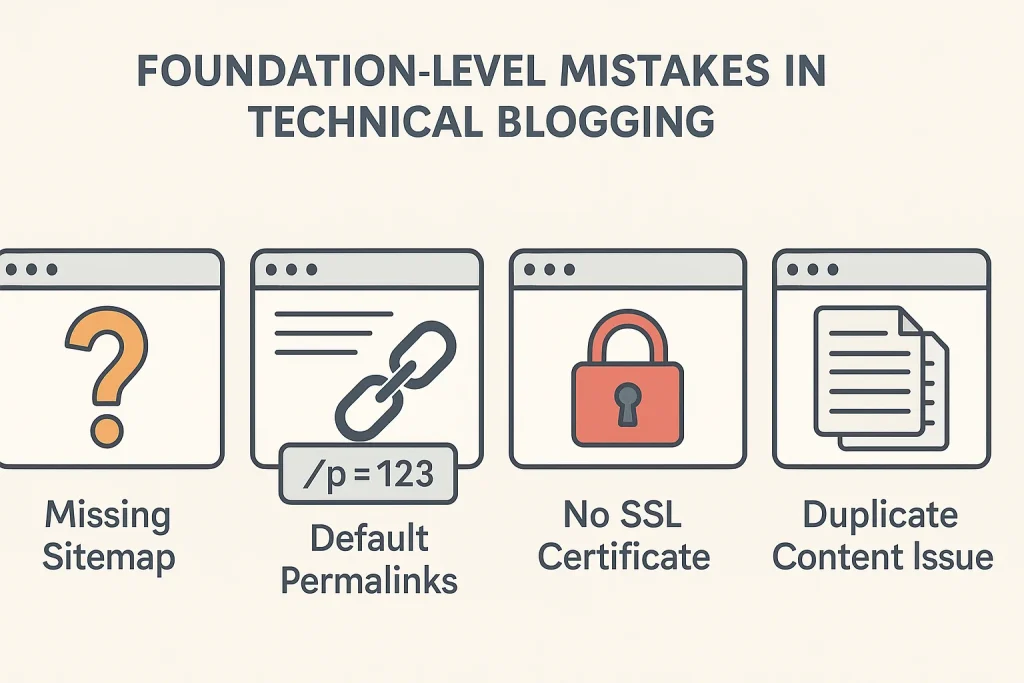
These are the core setup issues that silently sabotage visibility, crawlability, and blog growth—even before content gets a chance to rank.
1. Not Submitting Your Sitemap to Google
If Google doesn’t know your blog exists, it won’t show your content.
Many new bloggers forget to submit their sitemap via Google Search Console, one of the most basic steps in making your content visible.
This is one of the top answers for “why my blog is not showing up on Google”—and it’s so easy to fix.
✅ Fix: Go to Google Search Console > “Sitemaps” > Add yoursite.com/sitemap.xml
👉 Learn the essentials here:
Essential Settings to Configure Right After Installing WordPress
2. Ignoring Broken Internal Links
Broken links frustrate users and tell Google your site’s structure is messy.
If you’ve ever changed a post slug, deleted content, or updated permalinks—chances are, you’ve created a few.
Search engines lower your trustworthiness when these accumulate.
✅ Fix: Use tools like Broken Link Checker, Ahrefs, or Screaming Frog to find and fix them.
This often shows up in queries like:
“how to fix broken links in WordPress blog” or “why my blog has SEO issues”.
3. Using Default Permalinks
URLs like yourblog.com/?p=123 are a major no-go.
They’re not just ugly—they offer zero keyword context, which hurts your on-page SEO and click-through rates.
✅ Fix: Head to WordPress > Settings > Permalinks and choose “Post name.”
This is a critical move mentioned in every technical blogging checklist for beginners.
4. No SSL Certificate (HTTPS)
If your blog still shows “Not Secure” in browsers, readers lose trust—and so does Google.
It also affects your ability to collect emails or rank competitively.
✅ Fix: Use your host or Cloudflare to add a free SSL.
Check “do I need SSL on my blog” — and the answer is 100% yes.
5. Not Setting Canonical URLs
Duplicate content often happens when blog posts exist under multiple paths (like tag/, category/, or amp/ variations).
This confuses search engines and splits ranking power.
✅ Fix: Use an SEO plugin like Rank Math or Yoast to set canonical URLs properly.
If you’ve ever searched “how to prevent duplicate content on WordPress” or “how to set canonical URLs in WordPress”—this is exactly why.
Now that we’ve fixed the basics—your blog is properly structured, crawlable, and ready to be indexed—it’s time to talk speed.
Because even with the right setup, a slow-loading site will kill your blog faster than you think.
Let’s break down the performance mistakes that quietly push readers—and rankings—away.
Related : Blogging Design Mistakes That Quietly Repel Readers
Performance & Speed Mistakes (6–10)
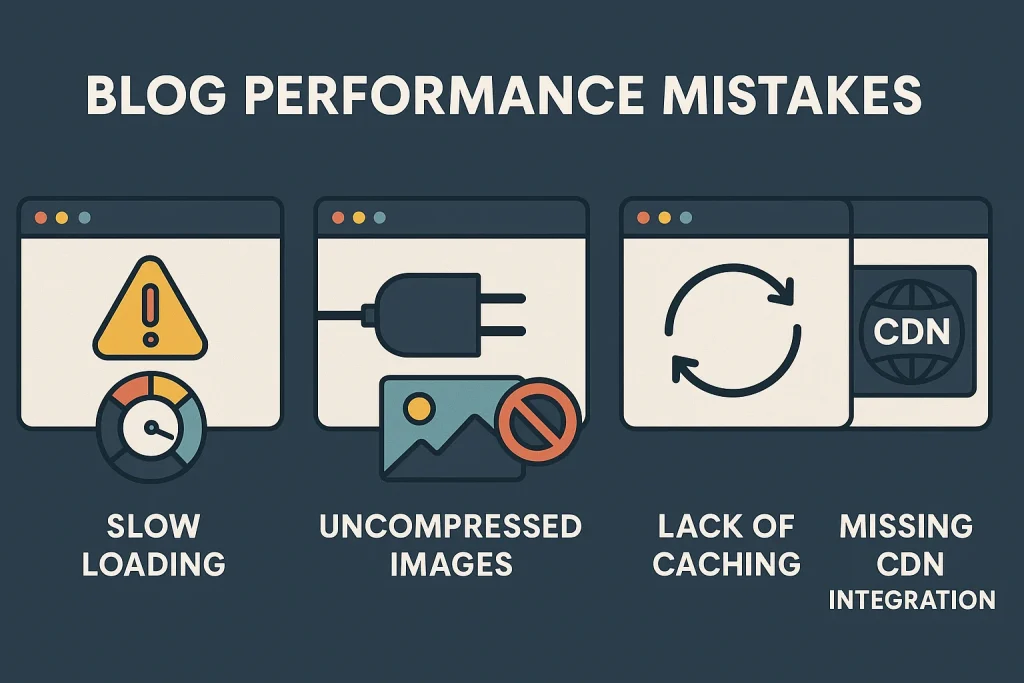
Even if your content is amazing, a slow or clunky site can ruin user experience and kill your rankings. These technical performance issues are some of the biggest reasons behind search drops, bounce rates, and traffic stagnation.
6. Using Too Many Heavy Plugins
Plugins are powerful—but too many can slow your site, create conflicts, or even crash it.
A lot of bloggers unknowingly install overlapping tools that load unnecessary scripts, dragging down performance.
✅ Fix: Audit your plugins monthly. Keep only what’s essential. Replace multipurpose plugins with lightweight alternatives.
This often stems from the query:
“plugins that break your blog performance” or “why is my blog loading slowly”
7. Not Compressing Images Before Uploading
Uploading high-res images without compression can drastically slow down your blog—especially on mobile.
Large images = high load times = lost readers.
✅ Fix: Use tools like TinyPNG, ShortPixel, or Smush to compress before or during upload.
This is a top result for:
“optimize images for faster blog loading”
“how to speed up WordPress blog on mobile”
8. No Caching Setup
Without caching, your site is building every page from scratch every time. That kills speed.
Caching reduces server load and dramatically improves performance.
✅ Fix: Use a plugin like WP Rocket, W3 Total Cache, or LiteSpeed Cache.
If you’ve ever searched: “how caching improves blog speed” or “why is my blog slow despite optimization”—this is your fix.
9. Not Using a CDN (Content Delivery Network)
If your audience is global but your server isn’t, distance = delay.
A CDN caches your content on multiple servers around the world for faster access.
✅ Fix: Use free options like Cloudflare, or premium CDNs from your host.
This answers:
“how to make my blog load faster worldwide”
“CDN for WordPress site performance”
10. Ignoring Mobile Optimization
In 2025, over 60% of blog traffic is mobile. If your site isn’t optimized for phones and tablets, you’re losing both visitors and rankings.
✅ Fix: Use mobile-friendly themes like Astra or GeneratePress, check with Google’s Mobile-Friendly Test, and avoid large popups.
Speed is just one side of the technical coin. The other? Search visibility.
You can have a fast, functional blog—but if Google doesn’t understand your content, or if it can’t index it properly, your growth hits a dead end.
Here are the technical SEO mistakes that keep your blog buried, even when your content deserves to be seen.
Related : Building Stronger Communities: 10 Crucial Mistakes to Evade in Your Journey
SEO & Indexing Issues (11–15)

You might be writing great posts, but if Google can’t crawl, index, or understand them properly, they won’t show up—or rank. These SEO-related technical mistakes quietly sabotage your visibility.
11. Blocking Pages with Robots.txt (Accidentally)
Your blog may be blocking critical pages—like posts, categories, or media—from being indexed, simply because your robots.txt file wasn’t configured correctly.
✅ Fix: Go to yourblog.com/robots.txt and make sure you’re not disallowing key directories. Check in Google Search Console for crawling issues.
Searchers often ask:
“blog not indexing in Google”
“how to fix robots.txt blocking issues”
12. Missing or Duplicate Meta Tags
Each blog post should have a unique meta title and description. Duplicates confuse Google, and missing tags hurt your CTR.
✅ Fix: Use Rank Math or Yoast SEO to auto-generate and manually fine-tune each page’s meta tags.
Top queries related to this:
“why my posts don’t appear in search”
“how to fix meta tag errors in WordPress”
13. Skipping Schema Markup
Schema (structured data) helps search engines understand your content better—and can unlock rich results like FAQ boxes, star ratings, and breadcrumbs.
✅ Fix: Use plugins like Rank Math or Schema Pro to add schema to your posts.
This helps answer:
“how to get rich snippets in Google”
“structured data for blog SEO”
14. Orphaned Content (No Internal Links)
Orphaned pages = blog posts that aren’t linked from anywhere else on your site.
Google bots might never discover them. Readers won’t either.
✅ Fix: Regularly audit your content. Use tools like Yoast’s orphaned content filter or manually link your posts together with relevant anchors.
These support terms like:
“how to link blog posts for better SEO”
“what is orphaned content in blogging”
👉 Read related: How to Create a WordPress Page, Post, Category, and a Custom Menu
15. Not Fixing 404 Errors
Every broken page leads to a 404—hurting SEO and user trust.
Worse, you might not even realize they exist.
✅ Fix: Use Google Search Console, Ahrefs, or Broken Link Checker to identify and redirect them using 301s.
Common related searches:
“how to fix 404 errors on my blog”
“do 404 pages hurt blog SEO”
So far, we’ve laid the groundwork, boosted speed, and improved search visibility.
But there’s one final layer most bloggers completely ignore—security and ongoing maintenance.
These aren’t just “IT problems.”
They directly affect your traffic, rankings, and even whether your site survives a crash or attack. Let’s look at a set of silent killers that can destroy months (or years) of hard blogging work.
Read Related : Content Writing & Editorial Blogging Mistakes to Avoid
Security & Maintenance Gaps (16–20)
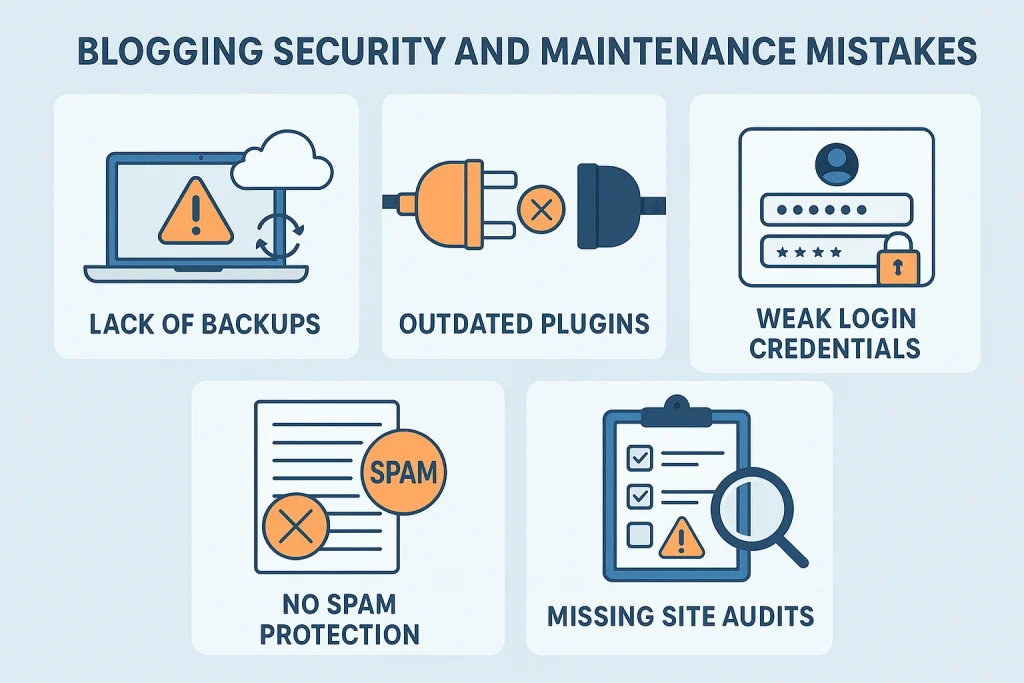
These behind-the-scenes issues don’t just affect site health—they can permanently damage your authority, data, and reputation.
16. Not Backing Up Regularly
If your blog crashed today, would you lose everything?
It happens more often than you think—updates, hacks, or host failures can wipe your site in seconds.
✅ Fix: Use UpdraftPlus, BlogVault, or your hosting provider to automate daily or weekly backups.
Common user query:
“how to back up my WordPress blog”
“what to do if my blog crashes”
17. Outdated WordPress, Themes, or Plugins
Running outdated software exposes your site to security vulnerabilities, plugin conflicts, and theme breakage.
✅ Fix: Enable auto-updates or schedule monthly checks. Always back up before updating.
People often search:
“do I need to update WordPress plugins”
“how to safely update WordPress site”
18. Weak Login Credentials
Still using “admin” or “123456”? Hackers will thank you.
Brute force attacks are common—and preventable.
✅ Fix: Use unique usernames, strong passwords, and two-factor authentication. Install a plugin like Wordfence or Limit Login Attempts Reloaded.
Query match:
“how to secure WordPress login”
“stop brute force attacks on blog”
19. No Spam Protection
Spam comments don’t just make your blog look unprofessional—they waste bandwidth, hurt your reputation, and can even be used to inject malicious links.
✅ Fix: Install Akismet, CleanTalk, or native tools like Jetpack Anti-Spam.
This solves:
“how to stop spam comments on my blog”
“best anti-spam plugin for WordPress”
20. Not Using an Audit Tool Regularly
Technical problems often build up slowly—until your traffic drops off a cliff.
If you’re not auditing your blog regularly, you’re flying blind.
✅ Fix: Use Google Search Console, Ahrefs, Sitebulb, or even Rank Math’s Site Analysis to run regular checks.
We’ve covered the backend setups, speed killers, SEO slip-ups, and site safety. But there’s one last technical pillar that holds everything together—and most bloggers overlook it entirely:
Your hosting.
It’s not just where your blog lives—it’s the engine behind every click, view, and ranking you get. And choosing the wrong host can quietly undo all the hard work you’ve put in.
Let’s wrap up with 5 critical hosting-related blogging mistakes that could be silently draining your growth potential.
Hosting-Related Blogging Mistakes (21–25)
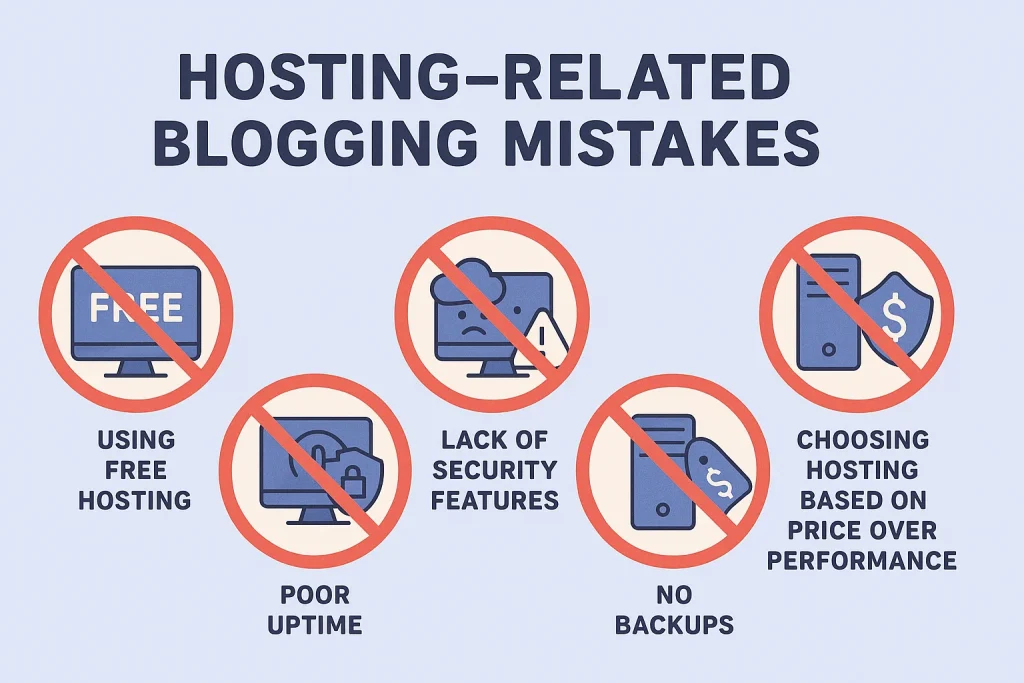
Your hosting provider is the foundation of your blog’s performance. A weak one creates invisible problems that snowball into lost traffic, poor rankings, and a frustrating user experience.
If you’re relying on free hosting or rock-bottom shared plans, you’re sacrificing performance for pennies. These plans often throttle speed, limit resources, and overload your server with hundreds of other websites.
✅ Fix: Start with a reliable entry-level host (like SiteGround or Hostinger) that offers speed, scalability, and proper support—even on budget plans.
Searchers ask:
“is free WordPress hosting worth it”
“why is my blog slow on shared hosting”
22. Ignoring Server Uptime Guarantees
Uptime means everything—if your site is down, you’re invisible. Some bloggers never check their host’s uptime guarantees or don’t monitor actual performance.
✅ Fix: Choose a host with a 99.9%+ uptime guarantee and use tools like UptimeRobot to monitor downtime. You lose trust and rankings every time your site vanishes.
Search intent match:
“how to monitor blog uptime”
“best uptime monitoring tools for bloggers”
23. Hosting Without Integrated Security Features
Many bloggers assume security is handled by WordPress itself. But your hosting should provide features like firewalls, malware scanning, and DDoS protection out of the box.
✅ Fix: Look for managed WordPress hosting with real-time security tools included. Consider options like Rocket.net, Kinsta, or Cloudways for hardened protection.
Searchers ask:
“how to secure my blog from hackers”
“hosting with free malware scanning”
24. Not Choosing Hosting with Built-In Backups
Relying on manual or plugin-based backups alone is risky. If something breaks on your end, you’re stuck. Hosting with automatic daily backups is a must.
✅ Fix: Choose a host that offers 1-click restore points and offsite backup options. This saves you in case of plugin crashes, attacks, or update errors.
Top queries include:
“how to back up my blog easily”
“does my hosting include backups”
25. Choosing Hosting Based on Price Instead of Performance
Let’s finish with the big one.
Most new bloggers pick hosting based on cost. But what you “save” upfront, you lose in slow speeds, poor support, and site instability.
✅ Fix: Invest in hosting that grows with you. Don’t be afraid to upgrade once your blog gains traction. Features like server-side caching, CDN, fast support, and staging environments are worth every cent.
This answers:
“best hosting for blog SEO”
“why is my blog slow despite optimization”
Ready to Fix More Blogging Mistakes?
Explore the full list of 109 critical blogging mistakes here:
➡️ Read the Master Guide: 109 Blogging Mistakes To Avoid (For Best Blogging Results in 2025)
Frequently Asked Questions (FAQs)
Q. What are technical blogging mistakes?
A. They’re backend errors or oversights that affect how your blog performs, loads, ranks, or secures data. Unlike writing or design flaws, these issues happen under the surface—things like broken links, poor hosting, unoptimized images, or crawl issues.
Q. Can technical issues really hurt my blog’s growth?
A. Absolutely. Even one broken setting or misconfigured plugin can hurt your SEO, slow your site down, or block your content from being indexed. Technical issues are one of the top reasons blogs plateau despite great content.
Q. Can technical issues really hurt my blog’s growth?
A. Absolutely. Even one broken setting or misconfigured plugin can hurt your SEO, slow your site down, or block your content from being indexed. Technical issues are one of the top reasons blogs plateau despite great content.
Q. How do I know if my blog has technical problems?
A. Run a technical SEO audit using tools like Google Search Console, Ahrefs, Sitebulb, or Rank Math. Check for crawl errors, broken links, page speed issues, and 404s.
Q. Do I need to know coding to fix technical blogging mistakes?
Not at all. Most issues can be fixed with the right WordPress settings, plugins, or by following guided tutorials. Tools like Rank Math, WP Rocket, and UpdraftPlus make it beginner-friendly.
Q. How often should I audit my blog for technical issues?
A. Ideally, once a quarter—or every time you publish a new set of posts, update your theme, or install new plugins.
Q. Does hosting really affect SEO?
A. Yes. Hosting directly affects site speed, uptime, and crawlability—all of which influence search rankings. Cheap or low-quality hosting can throttle your traffic without you realizing it.
Q. What’s the best hosting for bloggers in 2025?
A. It depends on your needs. For speed and performance: Rocket.net or Cloudways. For beginners on a budget: SiteGround or Hostinger. Just avoid free hosts or bottom-tier shared plans.
Q. How can I tell if my blog is being indexed properly?
Check Google Search Console’s Coverage report. Look for pages marked “Indexed, not submitted” or “Discovered, not indexed.” Also search site:yourdomain.com in Google to see what’s showing up.
Q. Should I compress all images before uploading?
A. Yes. Uncompressed images are a major reason blogs load slowly. Use tools like TinyPNG, ShortPixel, or Smush to compress images without losing quality.
Q. What plugins should I avoid to prevent technical issues?
A. Avoid outdated, bloated, or overlapping plugins. Don’t install multiple SEO or cache plugins at once. Stick with trusted, regularly updated tools that serve a clear purpose.
Q. Why is my blog slow even after optimizing content?
A. Content is just one factor. Check your hosting, plugin bloat, image sizes, and caching. Use PageSpeed Insights or GTmetrix to identify slow elements.
Q. Is HTTPS really necessary for a blog?
A. Yes. It builds trust with users and is a confirmed Google ranking factor. Most good hosts offer free SSL with Let’s Encrypt or through Cloudflare.
Q. How do I fix broken internal links in WordPress?
A. Use tools like Broken Link Checker, Ahrefs, or the Redirection plugin. You can also audit links manually every few months.
Q. What is schema, and do I need it on my blog?
A. Schema markup helps Google understand your content better and can result in rich snippets (like FAQ dropdowns in search). It’s not mandatory, but highly recommended.
Q. What should I prioritize fixing first?
Start with:
Submitting your sitemap
Fixing 404s and broken links
Compressing images
Optimizing your hosting and speed
Auditing for indexing issues
These are quick wins that boost both performance and visibility.
Final Thoughts: What’s Holding Your Blog Back Might Be Hidden
Sometimes, it’s not your content. It’s not your niche.
It’s not your consistency or motivation.
It’s the silent, technical flaws you don’t see—but your readers (and Google) do.
These 25 technical blogging mistakes are the invisible roadblocks that quietly limit your growth, throttle your traffic, and chip away at your hard work day after day. But the good news?
They’re all fixable.
Key Takeaways:
- Great content can’t grow without a clean technical foundation.
- Regular audits are your secret weapon.
- Hosting, speed, indexing, and internal structure matter more than most bloggers realize.
- You don’t need to fix everything at once—but you do need to start.
💬 Let’s Talk:
Which of these technical mistakes have you made—or finally fixed?
Drop your story or question in the comments below. Let’s grow together—and help others avoid the same traps.